Free Image Compressor Online – Compress JPG, PNG & WebP Images
Compress JPG, PNG, JPEG and WebP images online for free. Reduce image file size without noticeable quality loss. Fast, secure, browser-based image compression with no uploads required.
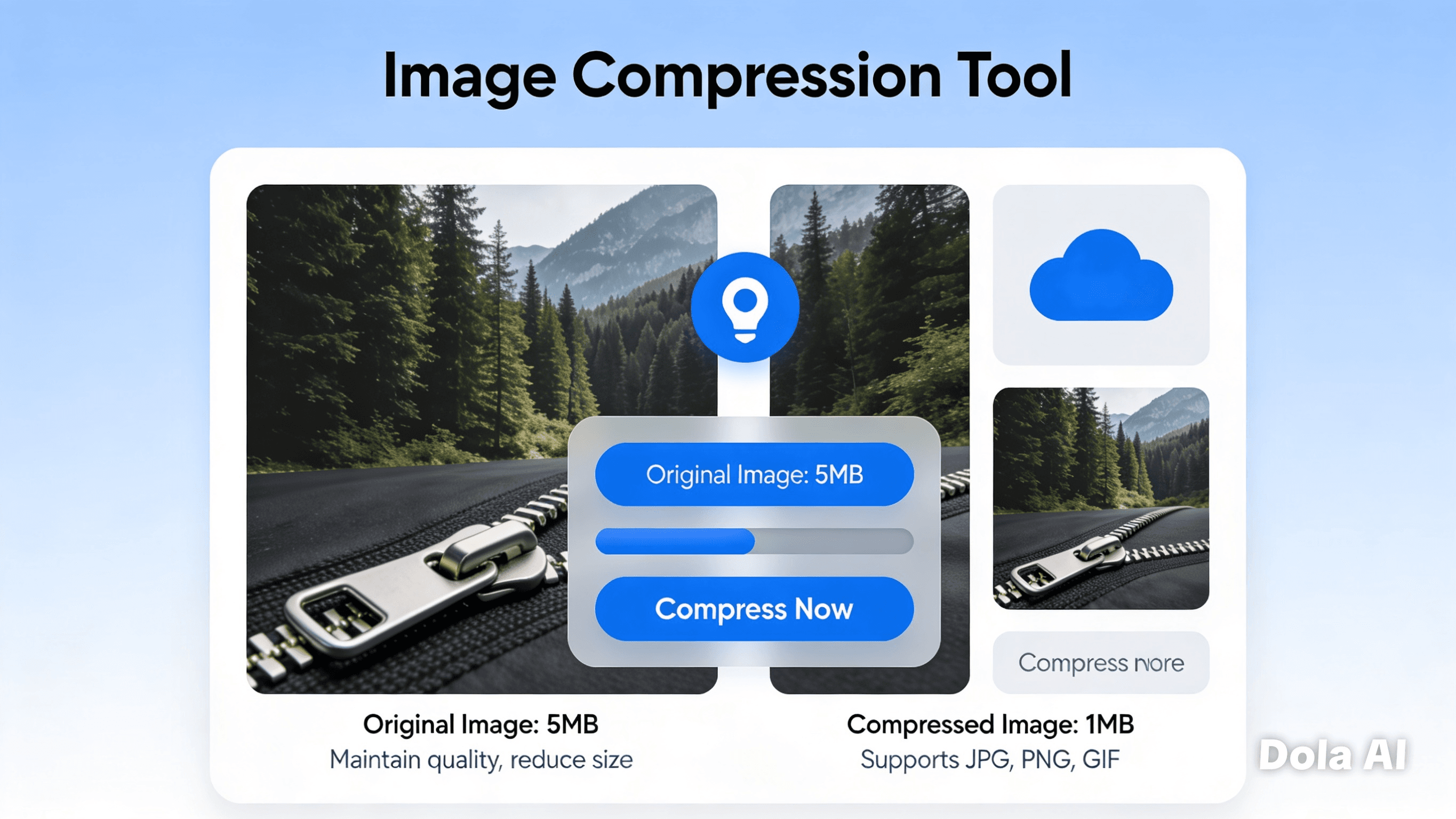
Compress Images Without Losing Quality
Reduce the size of your JPG, JPEG, PNG and WebP images in seconds using our free browser-based image compressor. Your files are processed directly on your device, ensuring maximum privacy while delivering fast and efficient compression. Whether you're optimizing images for websites, emails, social media or storage, our tool helps you create smaller files without noticeable quality loss.

Why Use Our Image Compressor?
Smaller Files
Reduce image sizes to improve loading speeds and save storage space.
Better Website Performance
Smaller images load faster, helping improve user experience and search engine optimization.
100% Private
Unlike many online tools, your images never leave your browser.
No Watermarks
Download compressed images exactly as you want them.
Completely Free
Compress unlimited images without creating an account.
Supports Popular Formats
Compress PNG, JPG, JPEG and WebP images with one simple tool.

How Image Compression Works
Image compression reduces the amount of data required to store an image while maintaining its visual appearance.
There are two common compression methods:
Lossless Compression
Lossless compression removes unnecessary data while preserving every pixel of the original image. PNG files commonly use this method, making them ideal for graphics, logos and screenshots.
Lossy Compression
Lossy compression removes some image information that is less noticeable to the human eye. JPG and WebP commonly use this technique to create much smaller file sizes while maintaining excellent visual quality.
Our image compressor automatically applies the selected compression settings directly inside your browser, so your images remain private throughout the entire process.
Benefits of Compressing Images
Compressing your images offers several advantages:
Faster website loading
Better SEO performance
Lower bandwidth usage
Reduced storage requirements
Faster file sharing
Improved mobile experience
Better email attachment compatibility
Whether you're a web developer, designer, photographer or student, image compression helps keep your files efficient without sacrificing quality.
Supported Image Formats
Our compressor currently supports:
FormatCompressionTransparencyPNGLossless✅JPGLossy❌JPEGLossy❌WebPLossy & Lossless✅
Best Practices
For websites
→ Use WebP whenever possible.
For photography
→ JPG provides an excellent balance between quality and file size.
For logos and graphics
→ PNG preserves sharp edges and transparency.
For maximum performance
→ Compress images before uploading them to your website or online store.
FAQ
Is this image compressor free?
Yes. You can compress unlimited images completely free of charge.
Are my images uploaded?
No. All compression takes place directly inside your browser, ensuring your files remain private.
Does compression reduce image quality?
Depending on the selected settings, compression may slightly reduce quality. However, our tool is designed to maintain an excellent balance between quality and file size.
Which image format should I choose?
Use PNG for graphics and transparent images, JPG for photographs, and WebP for modern websites where performance matters.
Can I compress multiple images?
If batch compression is supported, you can compress multiple images at once. Otherwise, simply compress them one at a time.